Day 1 07/03/2025 - Summoning Area + Basic Character Selection Layout
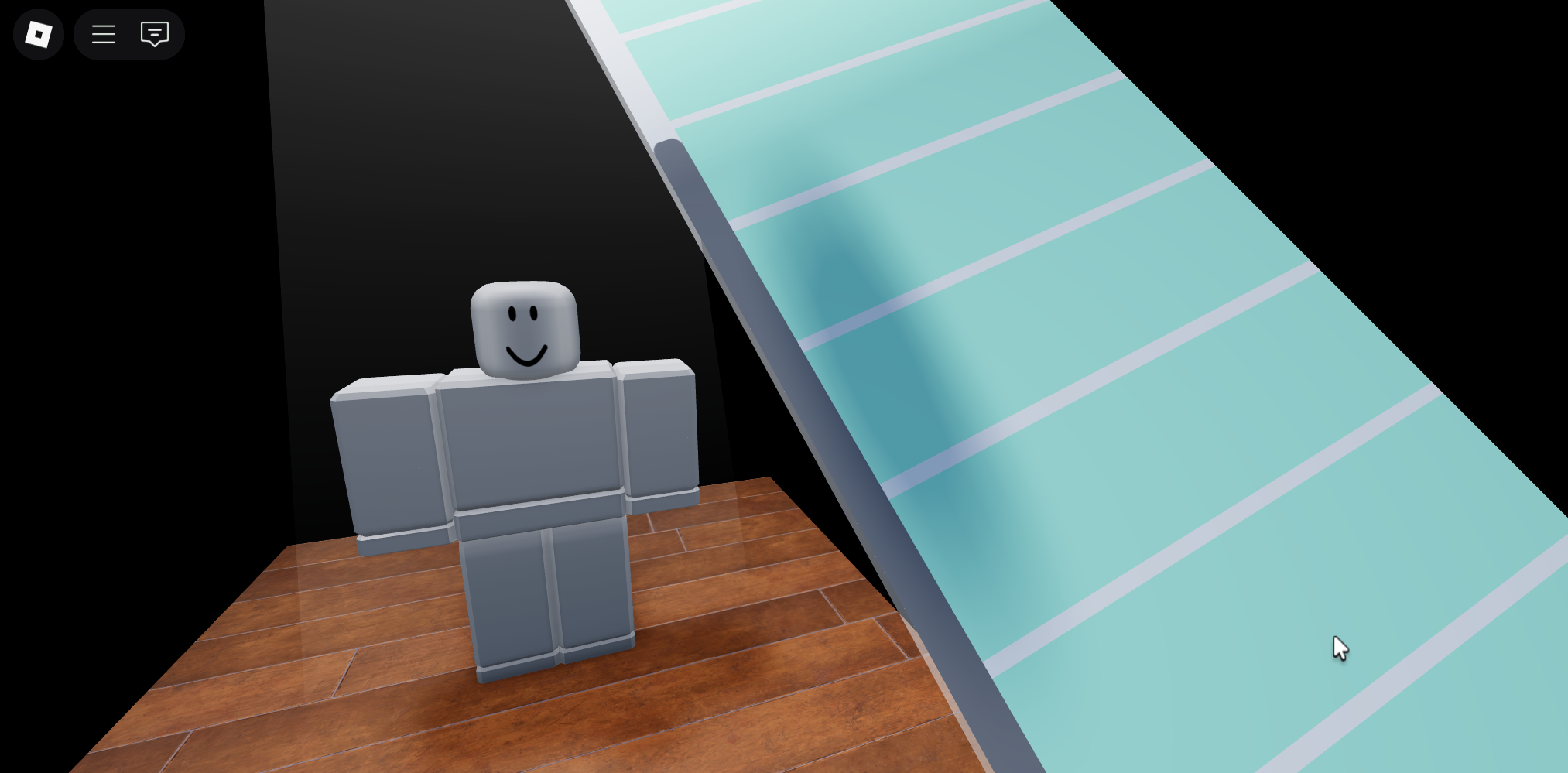
This is the prototype of the character selection menu, will be a glass pane that you select through using the arrow keys on your keyboard.
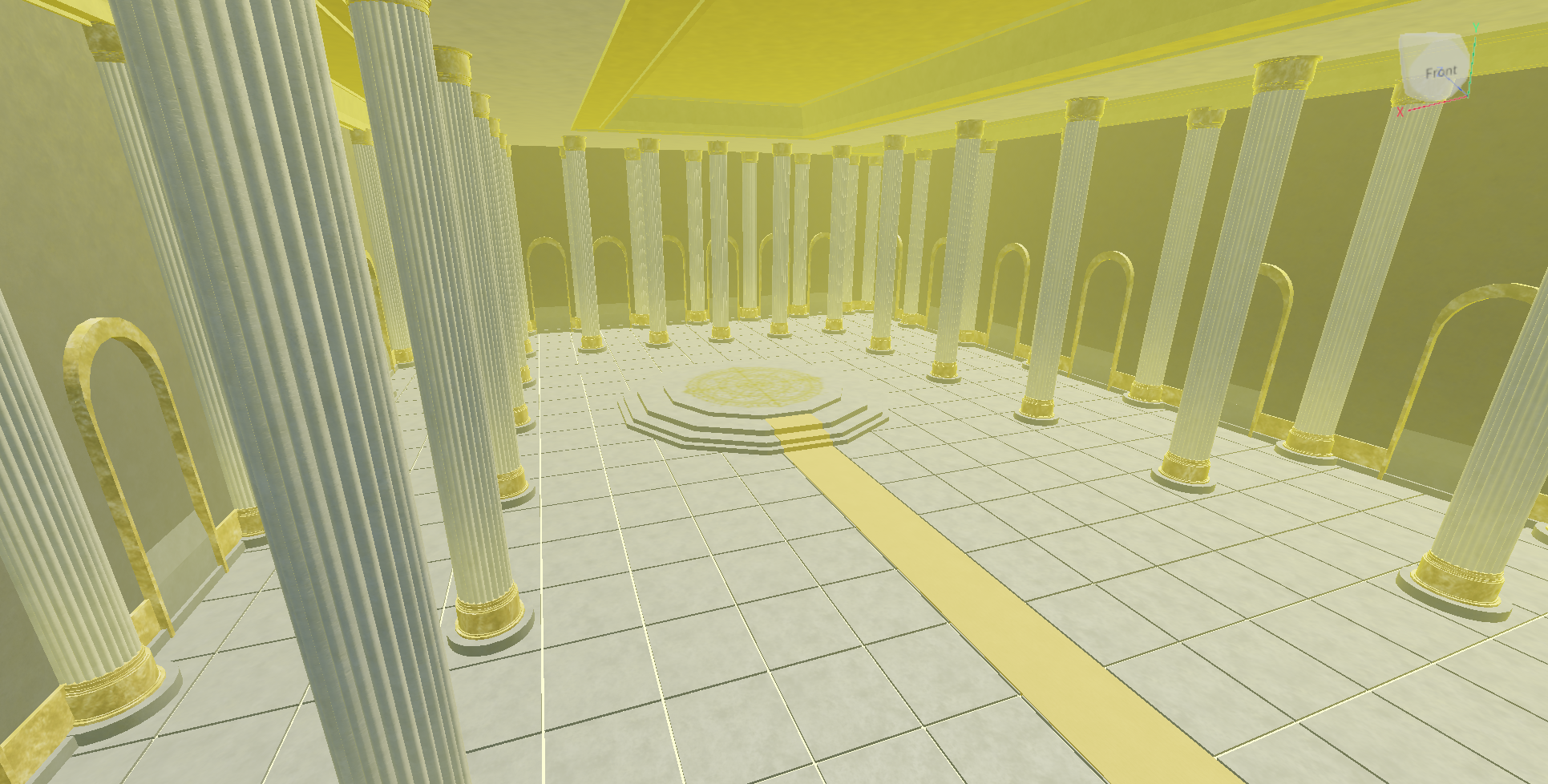
This is the room where the player will be summoned by the other world, it is inside of a church and there will be many people of high rank there.
Day 2 08/03/2025 - Basic Menu Navigation + Interaction
This day, function was added to the menu, in terms of animation, and selecting. Theres no datasaves or anything to actually "select" the character yet, however the actual animation element and feel element works well.
Along with that, a slider and a basic gui for how the Customization Menu will look was made.
It also displays the value its on, and has a "MaxValue" variable in the script so the slider can go from 1-Infinity depending on what the max is set to.
This was made so it fits every customization option regardless of the amount of different options for each.
Day 3 09/03/2025 - Datastores displaying on character selection menu + enter key detection
This day, datastores were worked on, now it is possible to save different slots, and display them on the character selection menu.
Along with that, a confirm button was made, this means that there is now a way to detect when a player pressed enter.
This is represented for now as the camera moving to a different display, later this will display either "create new slot" if there is no data in it, or will bring you into the game if there is data on it.
Day 4 10/03/2025 - Hair and Secondary Hair Selection and Display + Customization Settings Stored in Dataservice
Hair and Secondary hair is now able to be selected and displayed on the customization rig!
Aswell, the customization settings are now able to be saved to the players character slots! This means that now once the customization is set up and working, it will be simple to copy over the customization to the main game!
Day 5 11/03/2025 - Hair colour
I now made it so you can change the colour of both primary and secondary hair you chose.
It also took way to long to make it so when you switch the hair, it saves the colour on the new hair.
Day 6 12/03/2025 - Saving Hair Colour
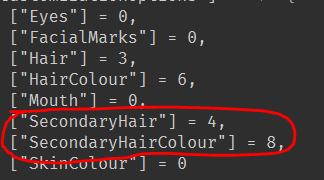
Hair colour can now be saved to the datastore.
Day 7 - 8 13/03/2025 - 14/03/2025 - Confirming Slot Selection + Character Appearance Displayed + Tops And Bottoms Customization Options
Nearly all of customization options are finished, only face is left.
When you are hovering over a slot, it will display what the character looks like on the stand.
When you select the slot, the screen will now fade out and bring you there.
Day 9 15/03/2025 - Sending Player to game + Slot Wiping
When you select a slot that has data on it, it will now be sent to the main game.
When you finish customizing your character and press confirm, it will send you into the game
You can now wipe a slot by clicking backspace, then enter. This removes all data off the slot.
Day 10 18/03/2025 - Player Appearance Showing Up In Game
When you join the game, your appearance is now loaded.
When you double tap w, you will now sprint.
(There was also a anti cheat added to detect if a player is using speed hacks, i wont show it since it should probably stay unknown to non-developers.)
Day 11 19/03/2025 - Ui Design
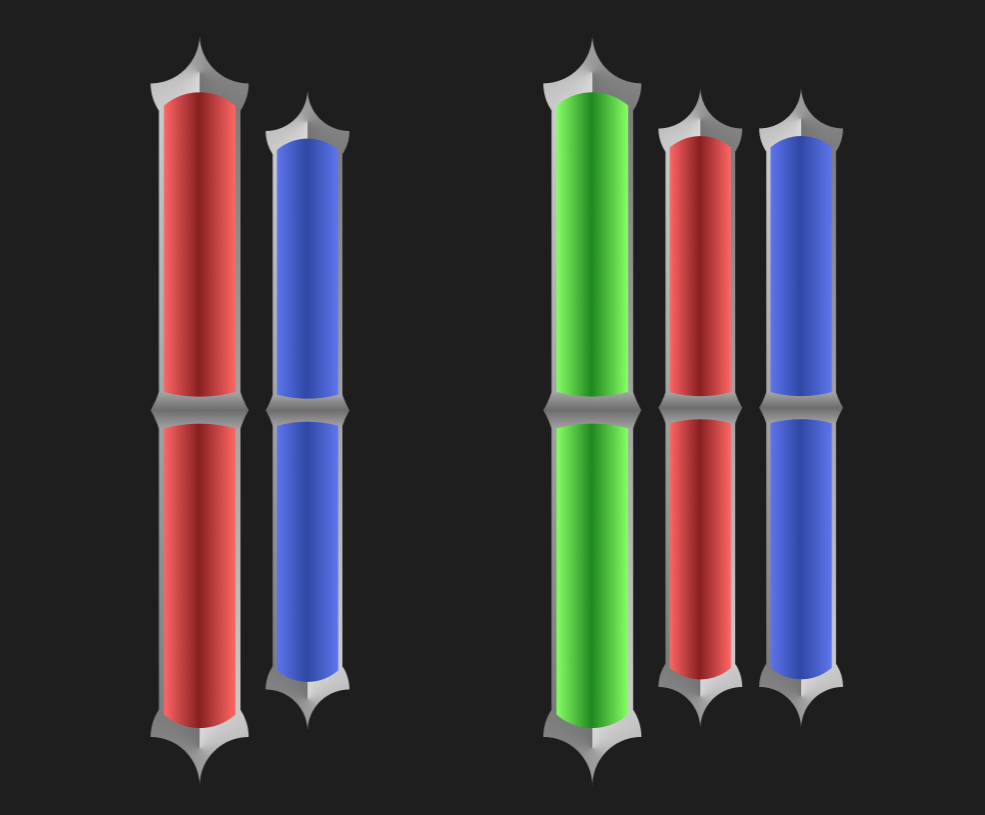
The graphical design app "Figma" was tried out, and resulted in the creation of these bars, these will show the players health, mana, blood, etc.
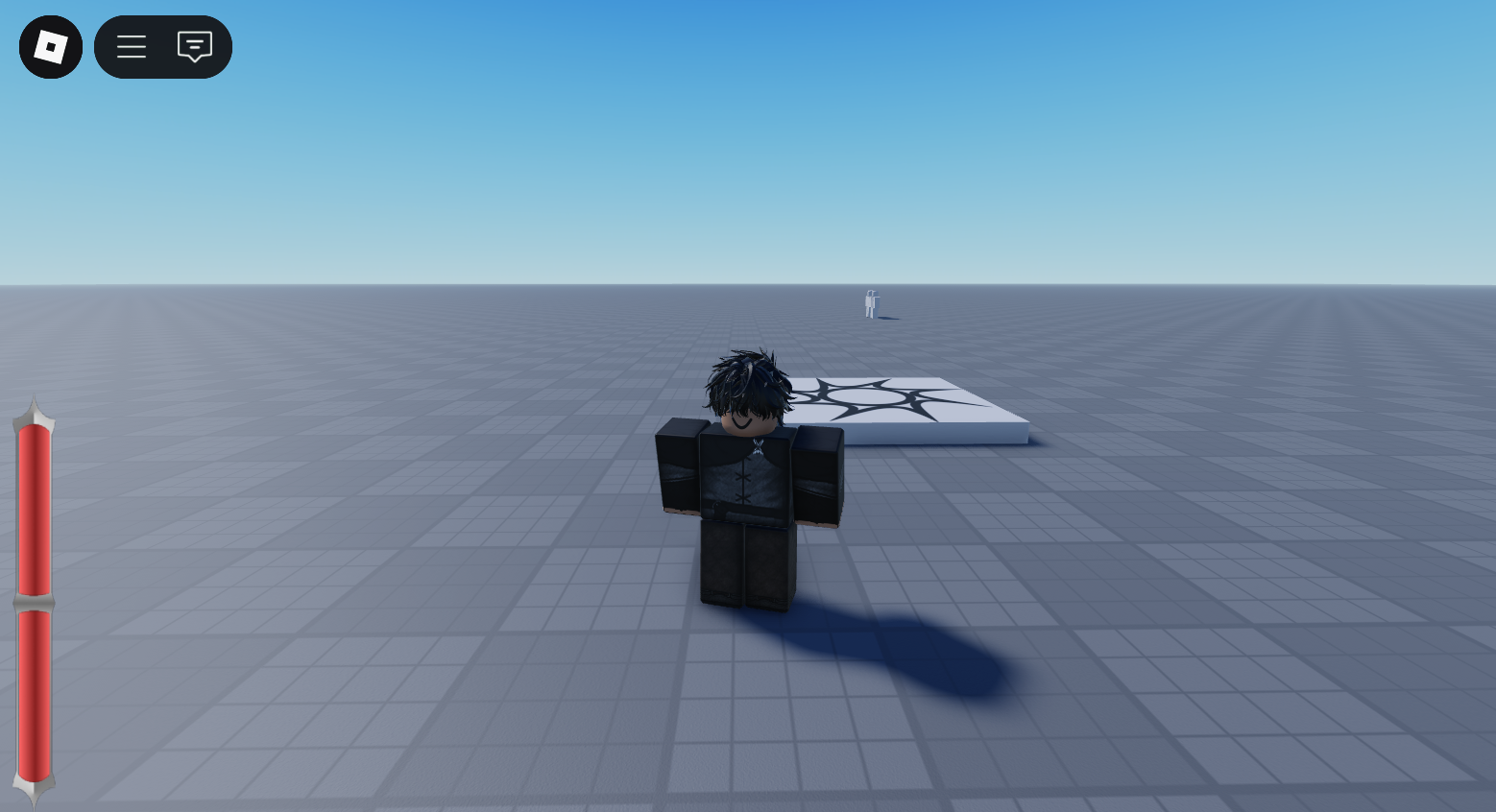
It was then placed in game to see if it can be imported, which was successful.
Day 12 20/03/2025 - Health Ui Implementation
Bar now displays the players health live..
The design placement was changed and it saves the position regardless of the players resolution.